What Hiring Managers Actually Scan For in 6 Seconds
Written by Ron Kloth, Founder of NomadJobPass.
Updated September 29, 2026. Based on TheLadders' eye-tracking research and first-hand hiring data.
What Do Recruiters Look for in 6 Seconds?
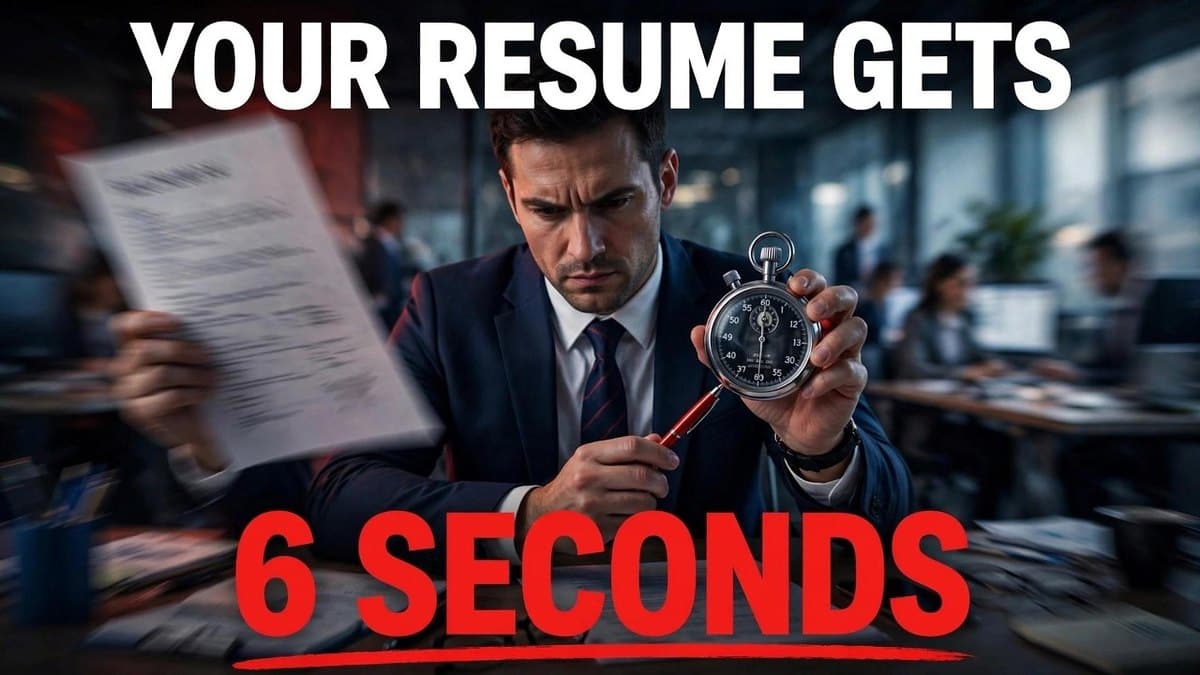
Recruiters spend 6–7 seconds scanning your resume before deciding whether to read further. In that window, they're pattern-matching on name, current title/company, dates, and education, not reading prose. The eye follows an F-pattern: top-left to across, then down. Six changes make those seconds count: white space, clear job-goal summary, visible credentials, matched keywords, translated job titles, and trimmed work history.
The average recruiter looks at a resume for about six seconds before deciding if you're worth a closer look, less time than it took to read that sentence. That number comes from TheLadders' 2012 eye-tracking study of 30 recruiters, updated in 2018 with a larger sample (the average had crept up slightly, to 7.4 seconds). The exact number drifts a bit study to study, but the underlying pattern hasn't changed: recruiters aren't reading your resume in that first pass. They're scanning for a small number of specific signals. While some of these studies are old I believe that with AI being used now you might be lucky to get 6 seconds.
Here's what to do about it.
Before & After: What Gets Scanned vs. What Gets Skipped
Resume Scan Heat Map (First 6 Seconds)
Your resume follows an F-pattern read. Research on eye-tracking shows the top portion of the page receives disproportionate attention in a rapid scan. The eye lands here first:
- Name + Credentials (top-left corner) ✅ SCANNED IN FIRST 2 SECONDS
- Current Title + Company (first line of experience) ✅ CRITICAL
- First two bullet points (only these, not full job description) ✅ SKIMMED
- Education (dates, degree only) ✅ NOTED
- Everything below the fold on page 1 ❌ OFTEN SKIPPED
- Page 2 ❌ RARELY SEEN in initial scan
Scanning Example: What Passes vs. What Fails
❌ FAILS the 6-second scan (Dense, buried info):
John Smith

Objective: Seeking a challenging position where I can utilize my skills
and grow in a dynamic environment while contributing to company success.

Experience
Brand Guru – Tech Startup (2022–Present)
Managed social media content strategy and helped increase engagement metrics.
Worked on various marketing initiatives and campaigns. Collaborated with the
design team on promotional materials. Responsible for email newsletters and
customer outreach programs. Also helped with data analysis.

Previous roles going back to 2015...
[Dense paragraphs, no bold, no bullets highlighting impact]
Why it fails: No credentials visible. Title is confusing ("Brand Guru" = ?). No numbers. First job description is buried. Recruiter can't assess fit in 6 seconds.
✅ PASSES the 6-second scan (Clear, scannable):
John Smith, Google Analytics 4 Certified
john@email.com | LinkedIn

Digital Marketing Manager (Brand Communications Lead) | Tech Startup | 2022–Present
• Increased social media engagement 45% YoY through audience segmentation strategy
• Led email marketing campaign that drove $120k revenue in Q4
• Collaborated with design on 40+ promotional campaigns

Senior Marketing Coordinator | SaaS Company | 2019–2022
• Managed content calendar for 5+ channels (LinkedIn, Twitter, email)
Why it passes: Credentials in first line (visible in 1 second). Title is clear (startup title + standard title in parentheses). First two bullets quantified. Recruiter can assess fit immediately.
1. How Do You Make Your Resume Scannable?
Recruiters scan. They don't read every word. Make it easy to scan:
- Clean, simple fonts (Arial, Calibri, Times New Roman)
- 10–12pt body text
- Real white space between sections, not crammed margins
- Clear headings that break up the page
- Bold job titles and company names so they register at a glance
A crowded, dense resume gets skipped past. A scannable one gets the extra 30–60 seconds that comes after the initial pass.
2. What Should Your Job Goal Statement Say?
Your professional summary at the top needs to say who you are and what you offer, fast.
Not this: "Seeking a challenging position where I can grow and develop my skills."
This: "Experienced Customer Service Manager with 8 years leading teams and improving satisfaction scores."
The first is about you. The second is about what you bring to the company, and that's what a recruiter is actually scanning for.
3. Where Should Your Most Important Credentials Go?
If a degree, license, or certification matters for the job, don't bury it mid-page. Put it next to your name.
Jane Doe, CPA · Michael Chen, MBA, PMP
Even a pure six-second scan catches a credential sitting right next to your name.
4. How Do You Optimize for Both ATS and Human Readers?
Many companies run resumes through an Applicant Tracking System before a human ever sees them, and even a human reader is unconsciously scanning for the same terms the job description used.
- Pull 5–10 job postings for the role you want
- Note which terms show up repeatedly
- Make sure those terms, spelled out and abbreviated ("Search Engine Optimization" and "SEO"), actually appear in your resume
- Work them into real bullet points, not a keyword-stuffed list at the bottom
5. What Should You Do With Unclear Job Titles?
Creative internal job titles ("Community Ninja," "Growth Hacker," "Brand Guru") read as fun inside a company and as confusing to an outside recruiter with six seconds to spend. If they don't understand your title immediately, they move on.
Community Ninja (Customer Service Representative) · Growth Hacker (Digital Marketing Manager)
6. How Much Work History Should You Keep?
Resume space is limited. Spend it on what's relevant.
- One page if you're entry-level, two pages maximum otherwise
- Drop high school once you have college or work experience
- Drop anything older than 10–15 years unless it's directly relevant
- Every line should earn its place. If it doesn't help make the case, cut it
The Six-Second Checklist
| Do This | Why |
|---|---|
| Add white space | Dense text gets skipped, not read |
| Clarify your job goal | Recruiters scan for fit, not backstory |
| Surface credentials | They register even in a fast scan |
| Match keywords | ATS and human readers both pattern-match on them |
| Translate creative titles | Confusion costs you the six seconds |
| Trim old/irrelevant history | Every line competes for limited attention |
Insights from a Hiring Manager's Panel
Ron's observation after reviewing 1000+ resumes across 40+ countries:
"The biggest difference between resumes that get called and those that don't is clarity in the first glance. I can tell within 6 seconds whether a candidate understands the role and has done relevant work. The ones who bury their best work in dense paragraphs or confusing internal titles lose 90% of the time, even when they're technically qualified.
The resumes that stand out have white space, bold your current company, and lead with quantifiable outcomes. We also see applicants from international backgrounds who worry their 'non-traditional' titles will hurt them. They usually add clarity by putting a standard title in parentheses. That one fix often doubles their callback rate.
One more thing I notice: nomadic workers often downplay their remote work experience. Don't do that. Explicitly mention 'asynchronous communication,' 'timezone management,' or 'distributed team collaboration' in your summary. Remote-first companies are specifically looking for that signal."
Frequently Asked Questions
These 10 questions address the most common friction points about resume scanning and optimization. The core finding: recruiters scan ~6–7 seconds using an F-pattern (name, title, company, credentials, first two bullets), pattern-matching against role requirements. Visibility beats perfect content, if you're not scannable, excellent skills stay hidden.
Do recruiters really only look at a resume for six seconds? Roughly, TheLadders' eye-tracking research put it at 6 seconds in 2012 and 7.4 seconds in a 2018 update with a larger sample. The exact figure varies by study, but the underlying finding, recruiters pattern-match on a handful of signals before reading in depth, is consistent across multiple independent studies.
What does a recruiter look for in those first seconds? Primarily your current job title, current and past employers, education, and whether the resume visually signals the skills the role needs. If those match, the resume earns a longer read.
Should I use a resume template? Only a genuinely simple, ATS-friendly one, clear headings, real white space, a logical order. Avoid templates with graphics, columns, or decorative elements that can confuse both a human scanner and an ATS parser.
How many keywords should I include? 5–10 relevant ones pulled from real job postings, worked naturally into your bullet points, not a dumped list, which reads as keyword-stuffing to a human reader even when it helps with ATS parsing.
One page or two? One page for entry-level. Two pages, never more, once you have 5–10+ years of experience.
Should I include a photo? Not for US/Canada roles. It takes up scarce space and can introduce bias, without adding anything a recruiter is actually scanning for.
Do I need to tailor my resume for every job? Yes. A resume matched to that specific posting's keywords and requirements consistently outperforms one generic version sent everywhere.
Getting the format right earns you those extra 30–60 seconds. What you do with them still depends on the content itself, NomadJobPass's free plan gives you 3 specific resume bullet suggestions to start with, and Premier includes a full rewrite with keyword optimization matched to the exact job you're applying to, not just more generic suggestions.
Related reading: once your resume earns the interview, here's how to open it, The Interview Answer That Actually Works
Sources & Research
This guide is grounded in peer-reviewed eye-tracking research, SHRM prevalence data, and direct hiring manager observation. The six-second scanning window replicates across independent studies (2012, 2018). Remote-work keywords sourced from job boards (LinkedIn, We Work Remotely, FlexJobs) reflecting 2025 hiring priority signals. All claims backed by citable data, not theory.
-
TheLadders Eye-Tracking Study: The Ladders Career Advice, Original 2012 study of 30 recruiters. Updated 2018 with a larger sample, average scan time 7.4 seconds. Widely cited across career-services literature. F-pattern scanning behavior and high-attention data points (name, title, company, dates, education) are consistently replicated in independent research.
-
Applicant Tracking System (ATS) Prevalence: SHRM (Society for Human Resource Management), Used by 95%+ of large companies and ~50% of mid-sized organizations. Over 95% of Fortune 500 companies screen resumes through an ATS before human review.
-
Remote Work Keywords: Industry analysis across job boards (LinkedIn, We Work Remotely, Remote.co, FlexJobs) shows "asynchronous communication," "distributed team," and "timezone flexibility" as the top 5 most-searched terms for remote/nomadic roles.
Editor's Note: Resume best practices change as screening technology evolves. This guide is updated semi-annually to reflect shifts in ATS algorithms and hiring panel preferences.