How to Use NomadJobPass: From Résumé to Tailored Application
The whole flow in three steps: and what makes it different
Written by Ron Kloth, Founder of NomadJobPass.
Quick answer: NomadJobPass turns one job posting plus your real résumé into a tailored application, a cover letter, rewritten résumé bullets, STAR interview answers, a follow-up email, and an ATS keyword match. It takes three steps: add your résumé, add the job, and generate. Everything it writes is traceable to what you actually did, it never invents experience.
What NomadJobPass does
Most applications fail for one of two reasons: they're too generic to stand out, or they're padded with claims you can't defend in an interview. NomadJobPass fixes the first without falling into the second.
You give it one job posting and your real résumé. It reads both and produces application materials tailored to that specific role, but built only from what's genuinely on your résumé. No filled-in templates, no invented metrics, no skills you don't have.
That honesty is the whole point, so keep it in mind as you use it: the tool is only as strong as the real experience you give it.
Step 1: Add your résumé
Go to the Upload page. You have two options:
- Upload a file: a PDF or DOCX, up to 10MB.
- Paste the text: copy your résumé straight in. This always works, even if a file won't read.
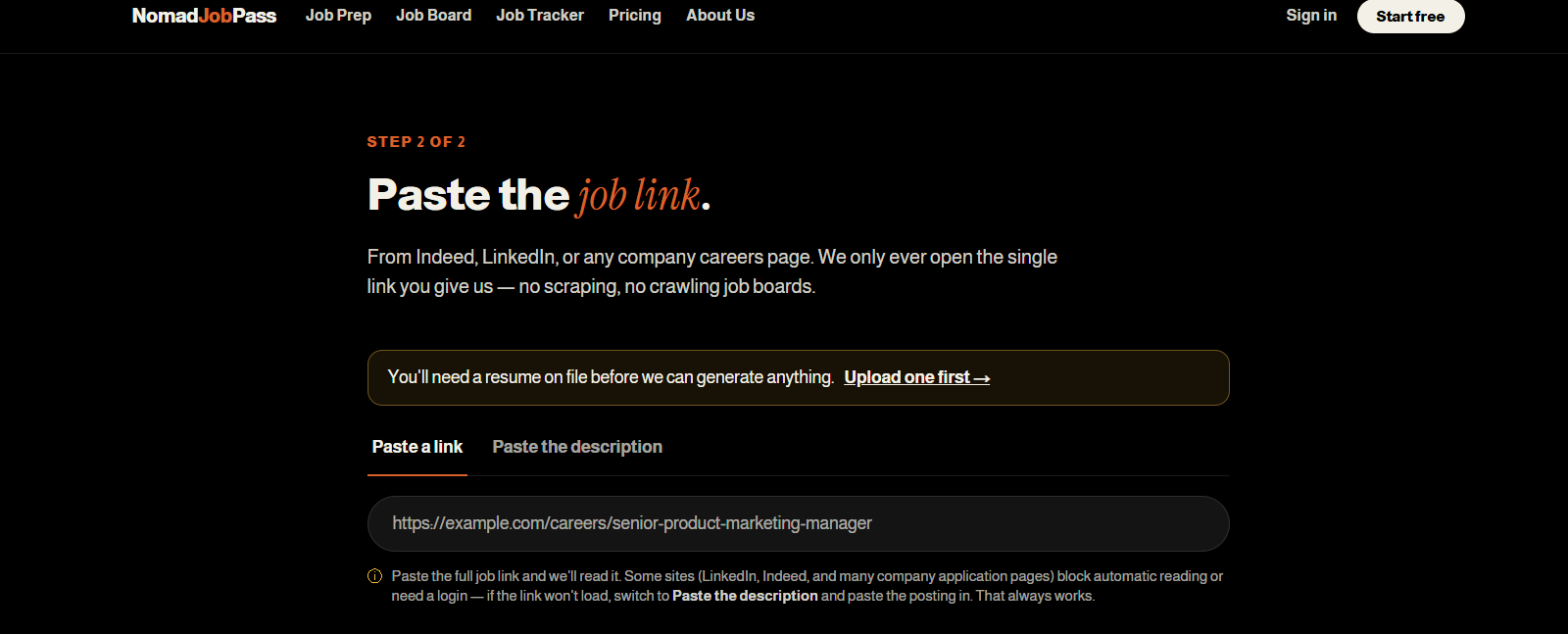
A quick tip: if your PDF is a scan or an image, there's no text for the tool to read. Paste the text instead. Once your résumé is in, you'll see a preview confirming what was read, and a Continue button to move on.
Step 2: Add the job
On the Job Prep page, give it the role you're applying to:
- Paste a link: from a company careers page, Indeed, LinkedIn, or anywhere.
- Paste the description: if the link won't load.
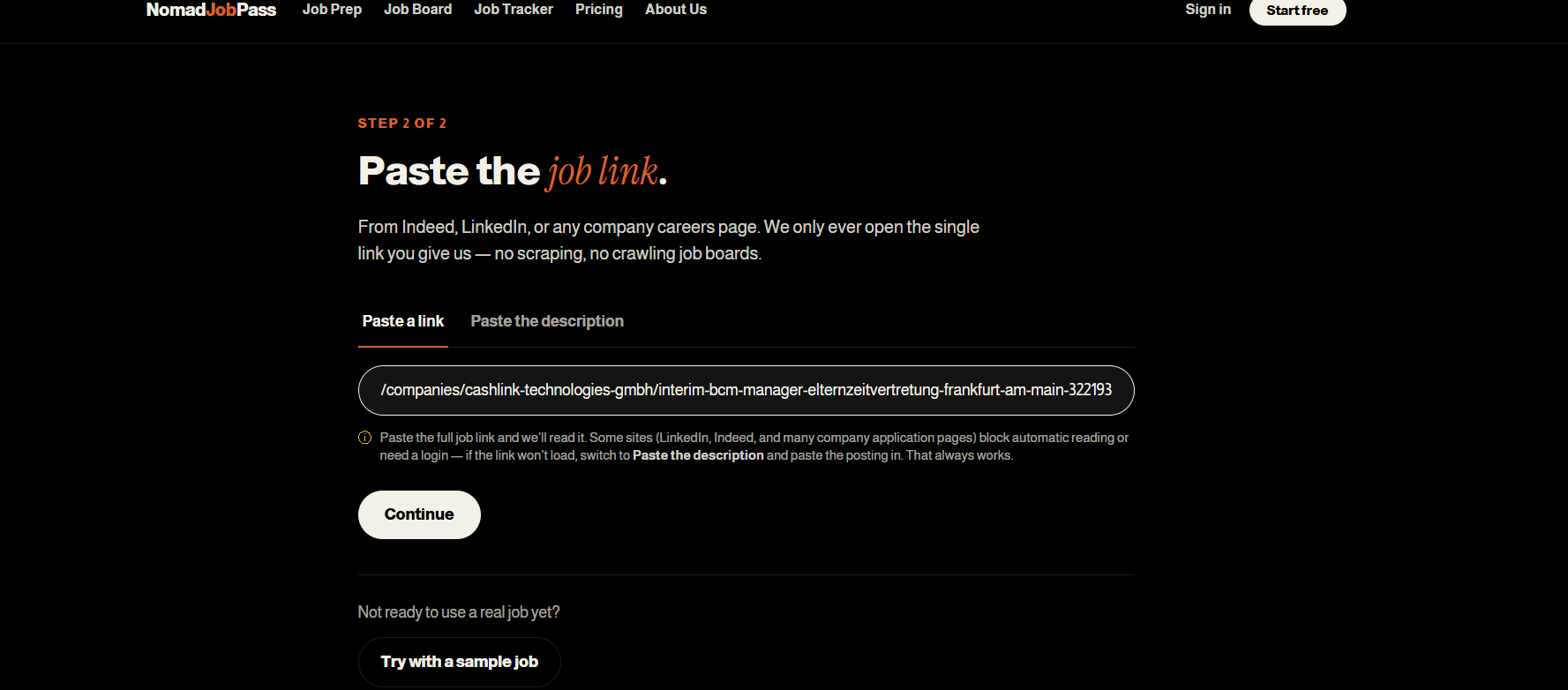
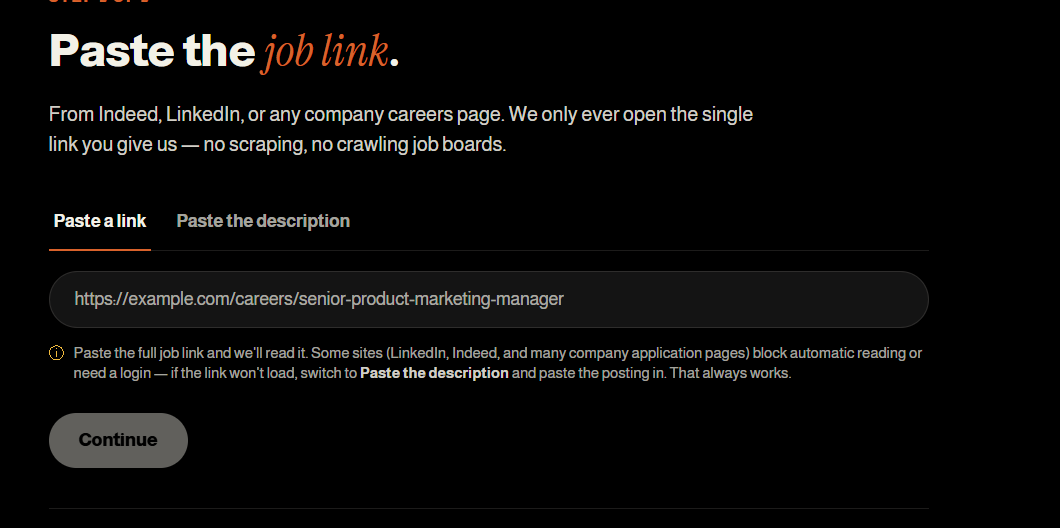
Why you'll sometimes need to paste: many big job sites (LinkedIn, Indeed, and lots of company application systems) block automated reading or load the posting with JavaScript, so the link can't be read. That's normal. Just switch to "Paste the description" and copy the posting in. It always works.
If you're browsing our own Job Board, it's even simpler: click "Prep for this job" on any listing and the description loads automatically.
Step 3: Generate, and what you get
Hit generate, and in under a couple of minutes you get a complete, tailored application:
- A cover letter written for that specific role, referencing the actual posting.
- Résumé edits: your real bullets, rewritten against the job, with the outcome first.
- STAR interview prep: likely behavioural questions, answered from your real history.
- A pre-interview follow-up email you can send after applying.
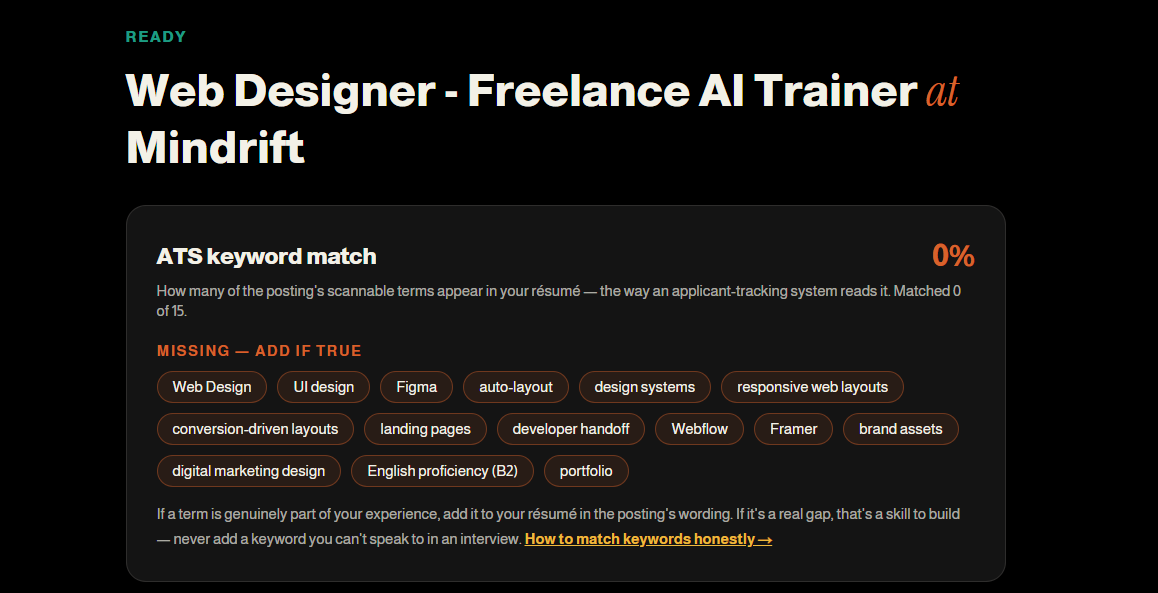
- An ATS keyword match: the scannable terms the posting uses, and which are already on your résumé.
Everything is downloadable and traceable to your résumé, so when you reach the interview, you can back up every line.
Reading your ATS keyword match honestly
The ATS match score shows how many job-posting keywords are already on your résumé, as an ATS scanner would count them. "Add if true" items are real gaps, add only if you genuinely have that experience (skill inventing backfires in interviews). Missing keywords signal experience to build, not claims to fabricate. Honesty over percentages.
The ATS keyword match shows how many of the posting's key terms already appear on your résumé, the way an applicant-tracking system scans it. Missing terms are listed under "Add if true." I cannot emphasize enough how important this is.
That wording matters. If a missing term is genuinely part of your experience, add it to your résumé in the posting's own words. That's smart. If it's a real gap, it's a skill to build, not a line to invent. A keyword you can't speak to in an interview does more harm than leaving it off. (More on this in our ATS keyword-matching guide.)
Track your applications
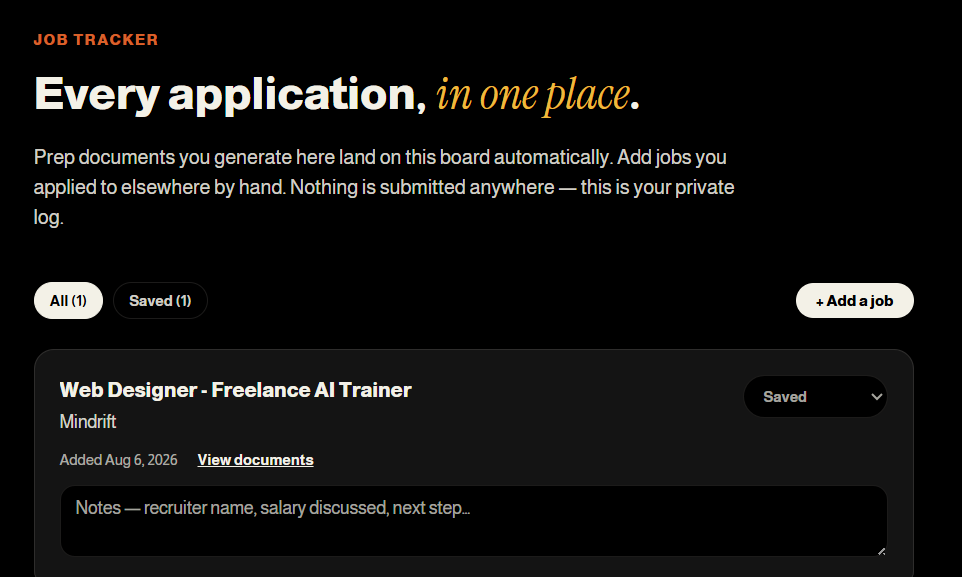
Every prep you generate is saved to your Tracker automatically, with a status you can update as you go (Saved → Applied → Interviewing). It's personal tracking. Nothing is submitted anywhere on your behalf.
Free vs. Premier
- Free gets you one full prep, a cover letter and a few résumé suggestions, so you can see the quality before paying.
- Premier ($15/month, or $149/year) unlocks up to 40 preps a month, full résumé rewrites, STAR interview prep, the follow-up email, and the ATS keyword match.
See the full breakdown on the Pricing page.
Other tools worth knowing
Beyond the core flow, a few free tools help with the parts unique to applying across borders:
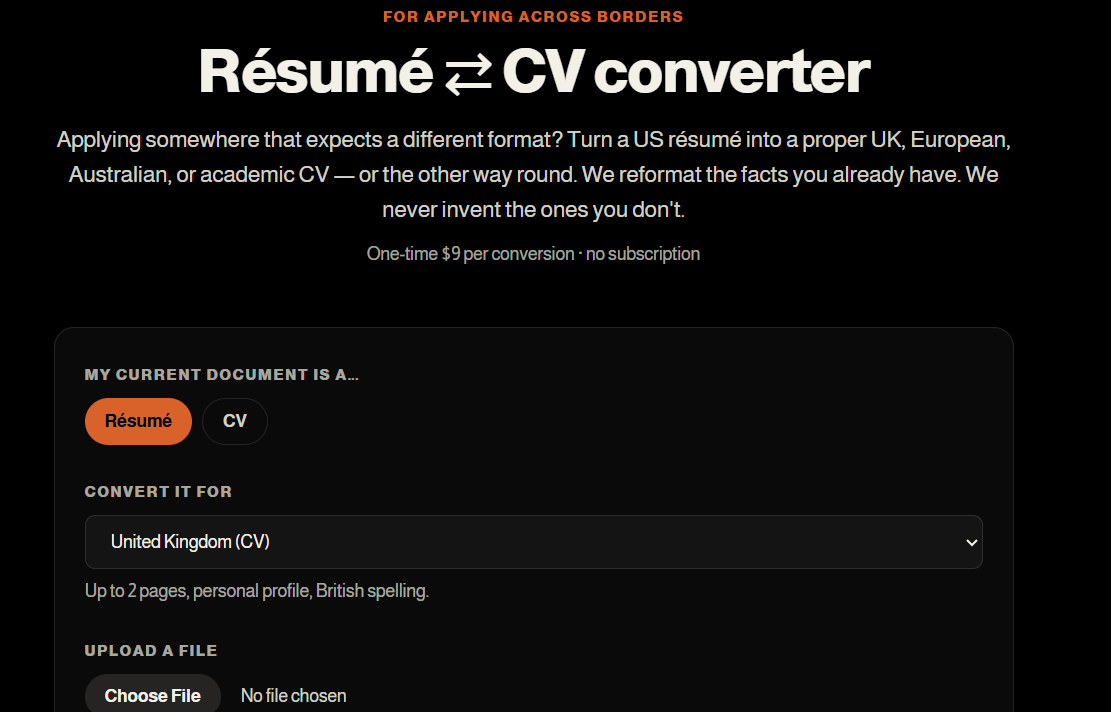
- Résumé ⇄ CV converter – reformat a US résumé into an international CV (UK, Europe, Germany, Australia, and more), or the reverse.
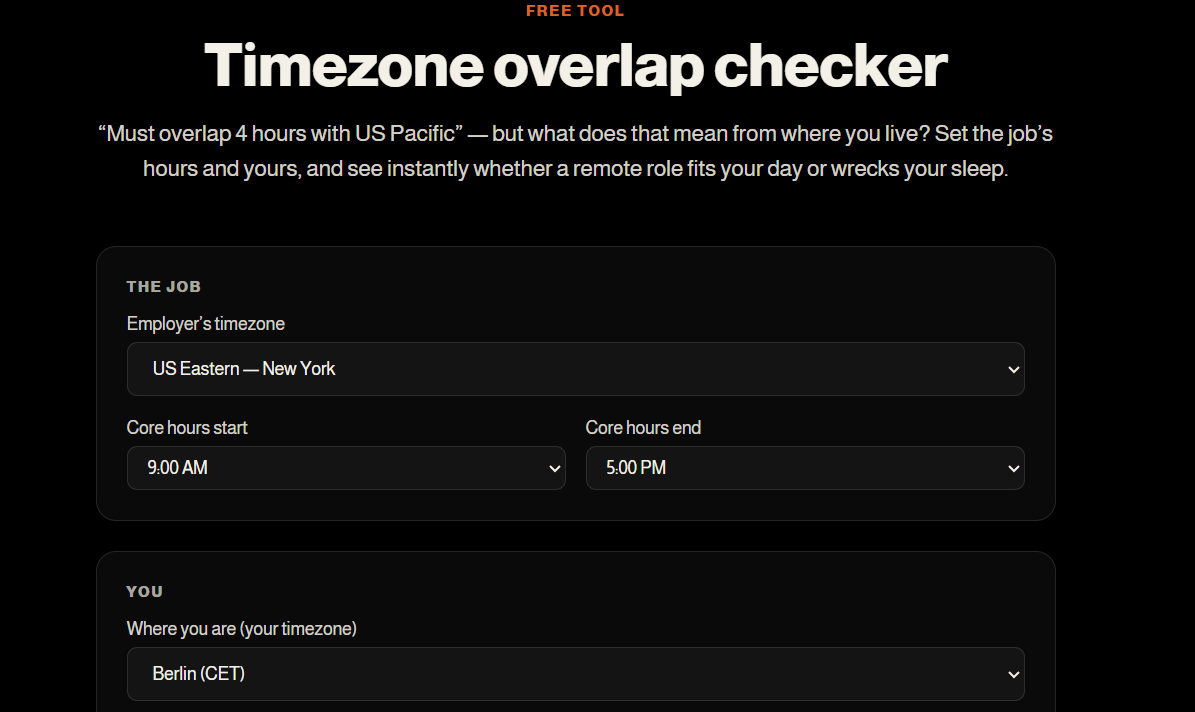
- Timezone overlap checker – see whether a remote role's hours actually work from where you live.
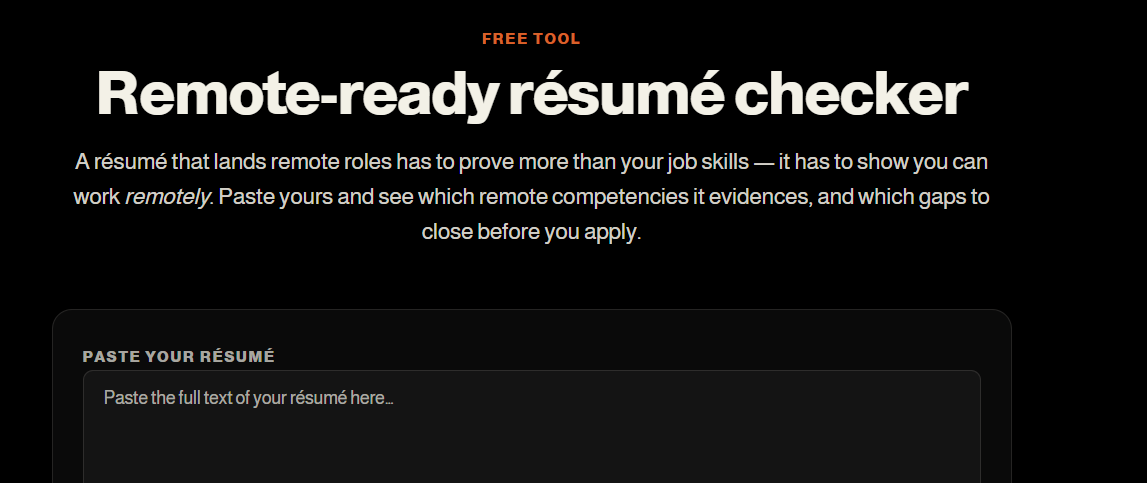
- Remote-ready checker – see whether your résumé shows the competencies remote employers screen for.
Do I need an account to try it? No, you can add a résumé and run your free prep without signing up. You'll want an account (and to confirm your email) before you subscribe, so you can sign back in to reach your saved work.
Why won't my job link load? Big job sites often block automated reading or render postings with JavaScript. When that happens, switch to "Paste the description" and copy the posting in. It always works.
Will it add skills or numbers I don't have? No. Every line is traceable to your real résumé. Where a posting wants something you can't evidence, it leads with your genuine strengths rather than inventing the gap.
My PDF won't read, what do I do? It's almost certainly a scanned or image-only PDF with no text layer. Paste the text instead, or re-save it as a text-based PDF.
Is my data shared anywhere? Your résumé is used only to generate your documents, and the tracker is personal. Nothing is submitted to employers on your behalf.
Sources
The sources below cover how AI-written résumés are judged and how applicant tracking systems score them. Each one is linked to the point it supports.
- ResearchGate: AI Resume Builder Report. Comprehensive analysis of AI-generated résumé quality, accuracy, and how AI tools compare to human-written applications.
- University of Maryland Smith School: AI Hiring Tools May Favor Their Own Work. Research on algorithmic bias in hiring systems and how AI-built materials interact with AI-powered screening.
- MDPI Electronics Journal: Resume Screening Using Transformer-Based Deep Learning Models. Peer-reviewed technical research on how ATS systems and LLMs evaluate résumés at scale.
Ready to try it?
Add your résumé, paste a job, and see your first tailored application, free, no credit card. Start now.